


3CX - A Modern, Advanced Phone System
Easy-to-Use, Advanced Technology

 Looking to replace your outdated phone system? Tired of ever-increasing phone bills? There are so many positives to a software-based phone system like 3CX:
- Can be hosted as a virtual server to avoid high hardware startup cost
- Ongoing feature upgrades
- Inexpensive SIP (voice over IP) trunk service to save 30-80% per month
- Free integrated web/video conferencing and webinar capability
- AI receptionist to screen and transfer calls, with a summary
- AI voicemail/recording transcription with separated callers
- AI personal assistant
- AI reporting for call centers (sentiment, call summaries)
- SMS/text on business number/DIDs
- View/monitor/manage active calls in software clients
- CRM integration to look up caller name, make calls, document calls
- Multiple voicemail transcription options (may incur fees)
- Call recording transcription and call summary/sentiment (may incur fees)
- Encrypted voice
- High-availability of "cloud" hosting
- Failover option
- Automatic security IP blocklist leveraging all global installations
- Easy configuration via web management console
- Video calls on supported devices (webcam, mobile app, desk phone)
- Web site chat to employees
- Office hours, call routing, and holidays by department
- Manager call screening/handling
- Single sign-on, and MFA
- A variety of best-fit license options
Go Phone-less
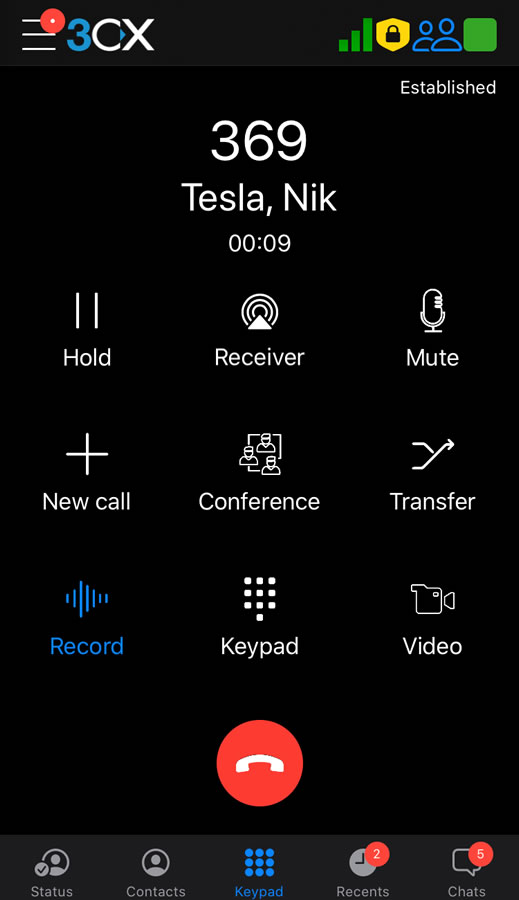 3CX provides multiple choices for connectivity at home or on the go, and to minimize startup costs:
- Desk phones
- Web browser client
- Windows software client
- Mobile app for iOS and Android
This means any computer with a microphone and speakers can make and receive phone calls, and a desk phone is not actually needed. In fact here at ITS we prefer cordless headsets, and mobile clients on the go.
More Ways to Save Money
- Lower your monthly phone bill 30-80% by using SIP trunks instead of a legacy phone company
- Licensing based on simultaneous calls, not number of extensions (unlike most "hosted" phone systems)
- Free inter-office and branch office calls
Connect with Customers & Co-Workers
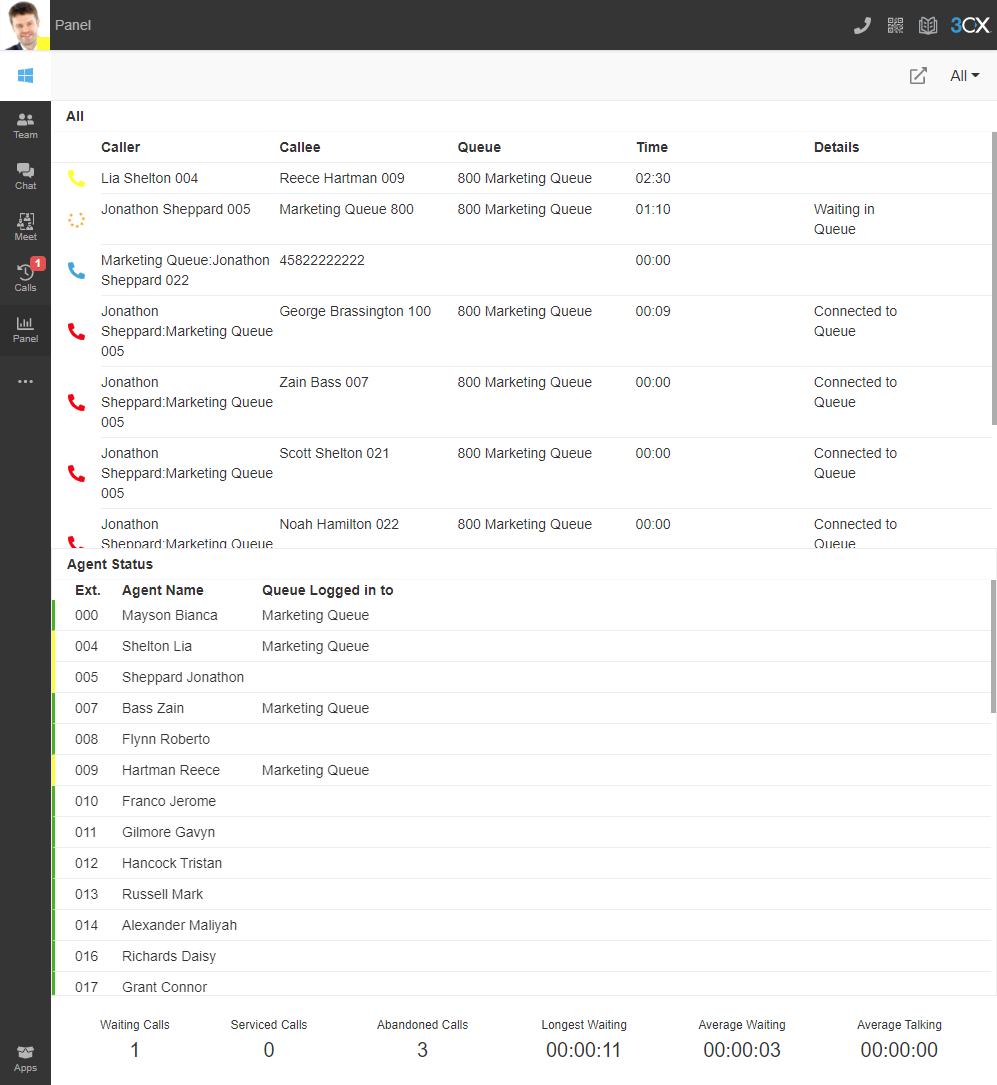
- Advanced web client allows chat between co-workers
- Chat with customers via web site and Facebook
- View status of co-workers (away, at lunch, DND, in call) including custom statuses and notes
- Advanced queue/call center features
- Customers can call or video call via WordPress plugin
Expertise
ITS-hosted 3CX servers provide several extra benefits:
- ITS is 3CX Advanced Certified
- Improved security
- Tightened down firewall restrictions
- Intrusion detection/blocking
- Redundancy and uptime guarantee
- This is where we host our phone system!
Fast Setup
ITS can host 3CX in the same data center as our web hosting services, to maximize uptime even if power or Internet is out in your office. We can have a working system in a very short amount of time to minimize startup costs. 3CX can also be deployed in 3CX's own hosting, or on premises via any computer or virtual machine. Trial licenses are available.
Free Trial
Contact us to discuss setting up a trial account. If you found this page but prefer to "roll your own" you can do so and link ITS as your partner. Our 3CX partner ID is 205226. You can unlink us at any time. Of course, external calls require a SIP service.
Other Options/Small Business
For clients with fewer than about three to four extensions, a hosted service or 3CX's Free service might be a better solution. ITS can help you determine the best solution for your company.